BerryJS
A small 2D game engine for the browser. Scenes, actors, keyboard, collision, and a camera. You write the game.
npm create berryjs my-game
That creates a game folder. Then run cd my-game, npm install and npm run dev.
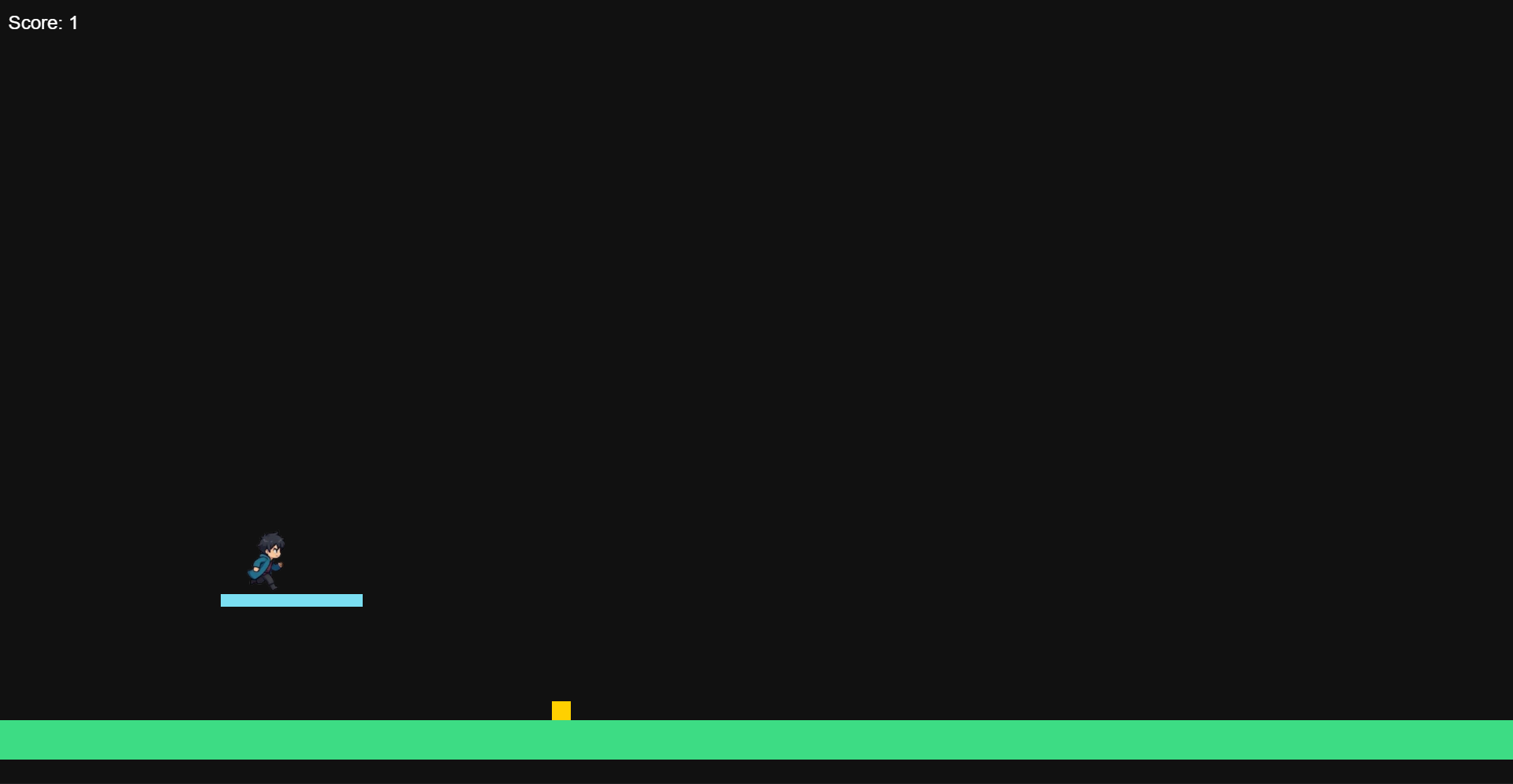
The example
Enter starts the platformer. Arrows move, Shift runs, Space jumps, and Escape returns to the menu.
Read the docsWhat the engine actually has
- Game loop and delta time
- Scenes with start, update, draw, and end
- Actors, sprites, and colored boxes
- Keyboard input by key code
- Solid collision, gravity, and one-way platforms
- Camera follow, bounds, or a fixed camera
- Overlap checks and tags
- Safe actor removal and optional sound
Quick start
Create a simple platformer using BerryJS.
import { Game, Scene, Actor } from "berryjs-engine"

class Player extends Actor {
    update(dt) {
        if (this.game.keyboard.isDown("ArrowRight")) {
            this.x += 200 * dt
        }

        if (this.grounded && this.game.keyboard.isDown("Space")) {
            this.vy = -420
            this.grounded = false
        }
    }
}

class GameScene extends Scene {
    start() {
        const player = new Player(80, 100, 32, 32)
        player.color = "#e23d5a"
        player.gravity = 900
        this.add(player)

        const floor = new Actor(0, 420, 800, 48)
        floor.solid = true
        floor.color = "#3ddc84"
        this.add(floor)
    }
}

const game = new Game({ width: 800, height: 480 })
game.setScene(new GameScene())
game.start()